How signing up to Voxinly works — start to finish in about 10 minutes
Built for British and Australian tradespeople — locksmiths, plumbers, electricians, gas engineers. No credit card for the 14-day trial. Below is every screen you’ll see, in order.
- 1
Landing page → click ‘Start free trial’
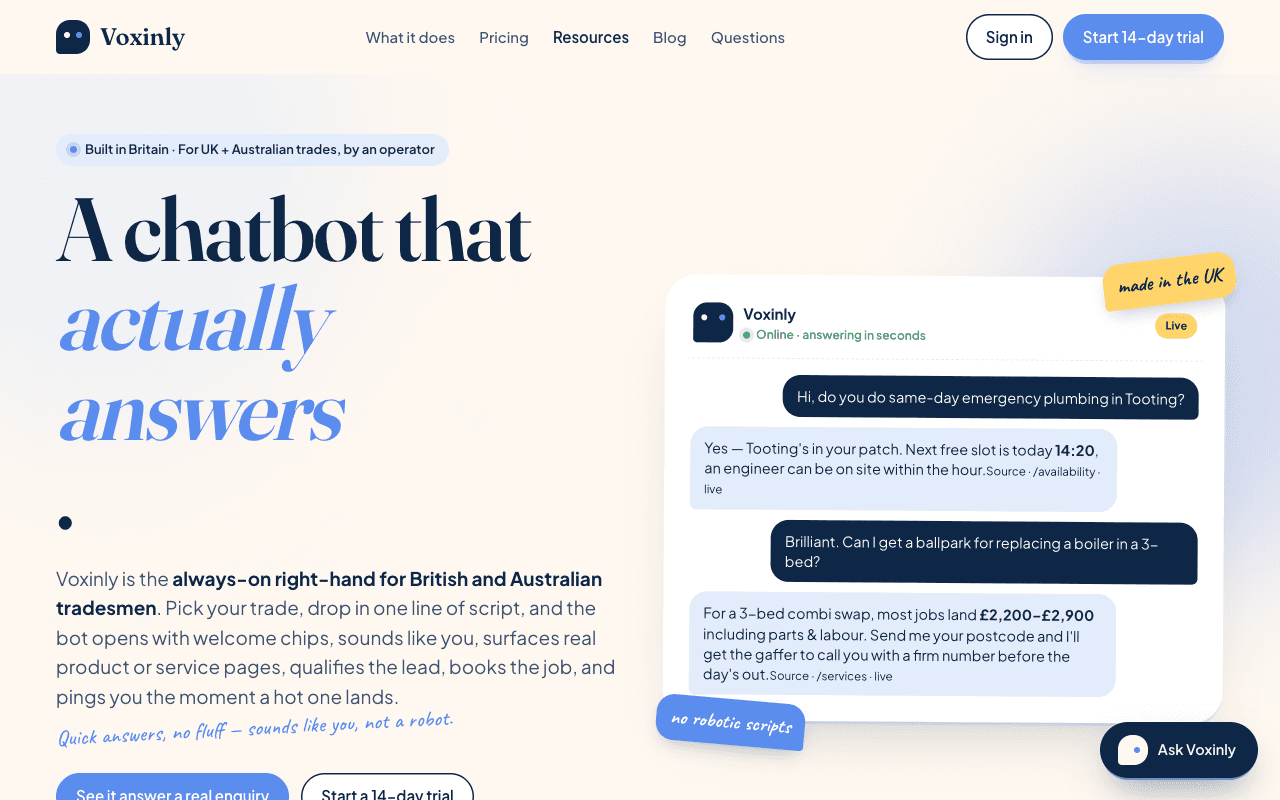
Land on voxinly.com. Read the headline (a chatbot that actually answers, for tradespeople). Click ‘Start free trial’ in the top right or in the hero. No credit card needed for the 14-day trial.
- 2
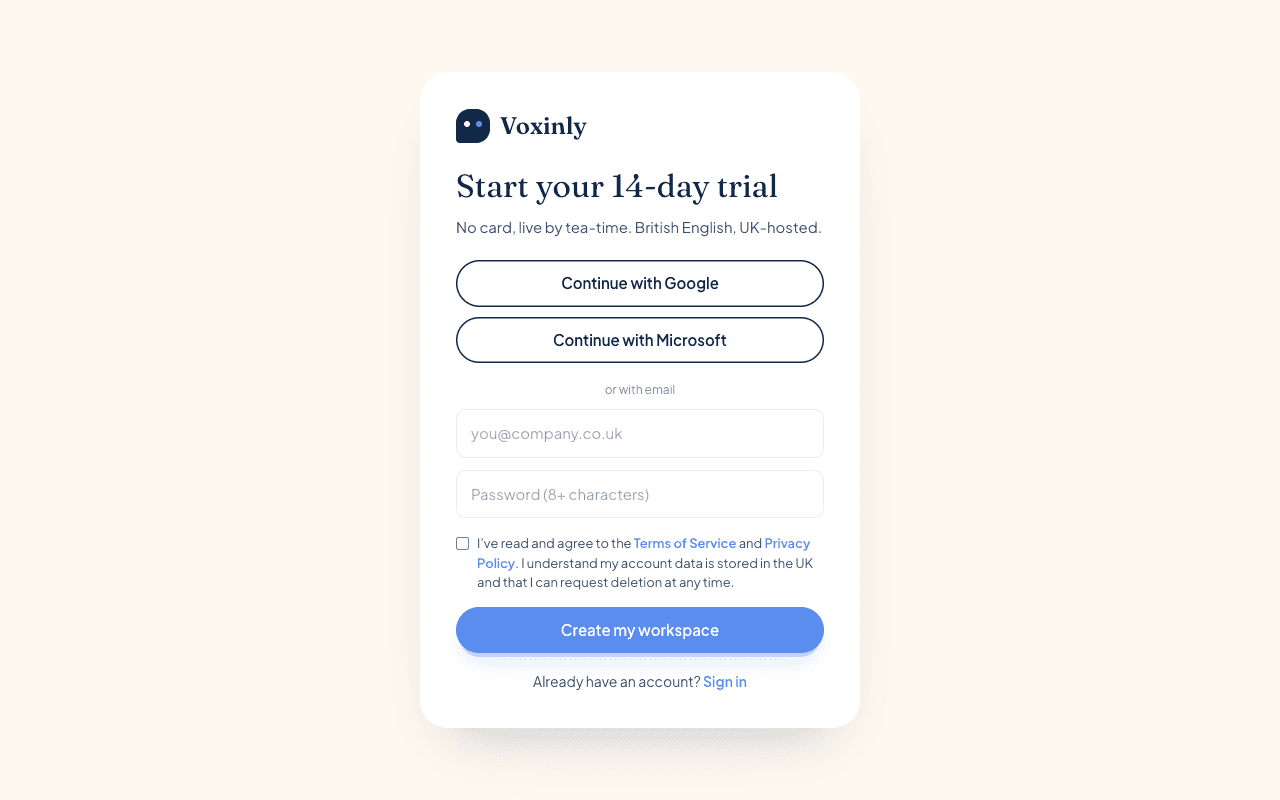
Sign up — email + password, or Google / Microsoft
Pick the route that suits you. Most tradesmen use the email + password route because it’s the inbox they already check. Google / Microsoft single sign-on works the same.
- 3
Verification email lands in your inbox
A short ‘confirm your email’ message arrives within a minute. If it’s not there, check Spam — add noreply@voxinly.com to your contacts so future hot-lead alerts arrive clean.
- 4
Click the verification link → land in onboarding
One click and you’re in. The wizard greets you by name and starts the 9-step setup. Don’t worry — you can pause, refresh, come back tomorrow. Your progress is saved.
- 5
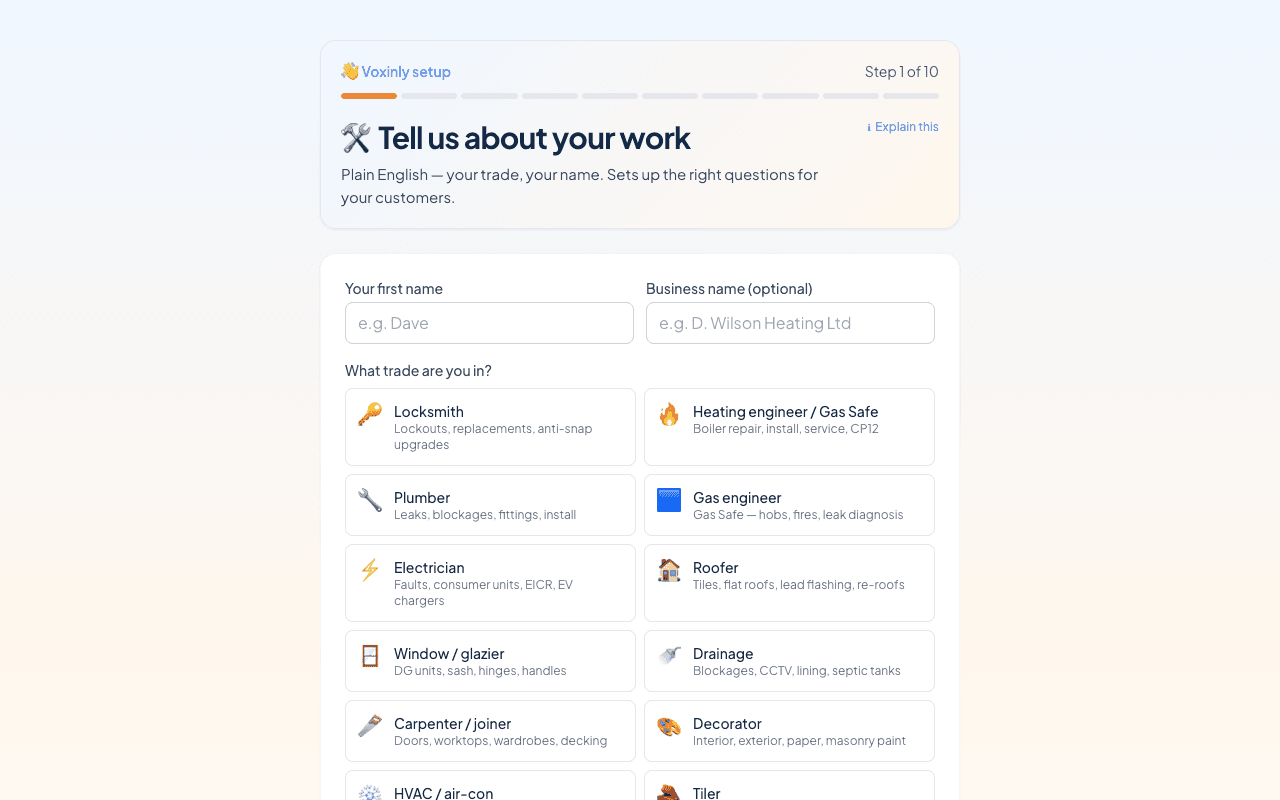
Step 1 — Your name, business name and trade
Pop your first name in (the bot signs off as you), your business name (six words or fewer reads best), and pick the closest trade. Each trade preloads its own knowledge base — locksmith terms, Gas Safe brands, NICEIC language — so the bot sounds like a tradesman from day one.
Tip: Stuck on what to write? Click the small ‘?’ next to any field for examples and a one-line tip. - 6
Step 2 — Service area: postcode + coverage radius
Type your starting postcode (NR7 0DD, BS1 4AA — wherever your van leaves from in the morning). Drag the slider to set how far you’ll travel. The live SVG map shows what your coverage looks like. Out-of-area customers get a friendly ‘we don’t cover that, here’s who does’ instead of a dead end.
- 7
Step 3 — Business hours + after-hours fallback
Tick a tri-state per day: normal, emergency-only, or closed. Set your fallback for outside-hours messages — most tradies pick ‘take details + call back in the morning’ which captures the lead without waking you up.
- 8
Step 4 — Call-out fees (so the bot can quote)
Daytime, after-hours, emergency. Be specific — vague quotes lose more leads than a slightly-high number does. The bot uses this to answer the inevitable ‘how much?’ within 5 seconds of the customer asking.
- 9
Step 5 — Question pack the bot asks customers
Three questions max — more and customers bail. ‘Lockout or new lock?’ + ‘Address?’ + ‘When do you need someone?’ is a good locksmith starter. You can edit the trade-default pack here or accept it as-is.
- 10
Step 6 — Where the bot pings you (email + SMS + WhatsApp)
Pick your channels. Email + WhatsApp is the most-picked combo. SMS and WhatsApp are Pro-tier; Starter is email-only. Quiet hours stop the pings overnight — leads queue and arrive as you’re getting in the van.
- 11
Step 7 — Phone-forwarding codes (optional)
If you want the bot’s phone number to ring through to your mobile when you’re busy, pick your UK carrier (O2, EE, Vodafone, Three) and the wizard gives you the forwarding code. Two minutes of dialling.
- 12
Step 8 — Paste the snippet on your website
WordPress, Shopify, Wix, Squarespace, raw HTML — pick your platform, the wizard shows the exact install steps. The widget appears within 30 seconds. There’s a Verify Installation button that pings live so you know it works.
- 13
Step 9 — Ring my bot (live test call) · paid Voice add-on
The phone-answering is the optional Voice add-on (£19/mo, 3-month minimum) — not included in the core plans. If you've added it, dispatch a test call to your own mobile so you can hear what the customer hears, and tweak the greeting on the fly. If you haven't, your chatbot on the website and WhatsApp works without it.
- 14
First customer chat → hot-lead alert within 60 seconds
Real customer messages your site. Bot captures the job. Hot-lead email + WhatsApp ping lands in your inbox within a minute. You ring them back. They book. Done.
What’s included
Three tiers, GBP, no hidden fees. Available across the UK and Australia.
Three plans, no surprises.
All plans include enquiry capture, hot-lead alerts and the tradesman-friendly knowledge base. The only difference is how much volume you push through and which channels Voxinly uses to ping you.
All prices in pounds sterling and include VAT. Available across the UK and Australia.
Pay annually and get two months free (pay for 10): Starter £290/year, Pro £890/year, Business £2,490/year.
- Always-on chatbot on 1 website
- 300 conversations / month
- Email hot-lead alerts
- Basic knowledge base, plug-and-play
- Standard tradesman support templates
- British / Australian English by default
- Everything in Starter, plus:
- Up to 3 websites
- 3,000 conversations / month
- Sentinel monitoring — we catch checkout / site outages before customers do
- WhatsApp + SMS hot-lead alerts
- Bot Tune-up — weekly digest where your bot asks for the answers it missed
- 13 languages (switch on the ones you need)
- Everything in Pro, plus:
- 15,000 conversations / month
- White-label — custom domain + own branding
- API access
- Multi-site (up to 10 sites under one account)
- Dedicated email support
What counts as a conversation?
A conversation is one chat session with a visitor — any number of messages — within a rolling 24-hour window.
Go over your limit? No drama.
If you go over your monthly conversations, we'll let you know and help you move up a plan — your bot keeps working and we never cut a customer off mid-chat.
Cancel any time
Monthly plans aren't pro-rated for the current month; annual plans come with a 30-day money-back guarantee.
14-day trial. No card needed. Cancel any time inside the dashboard.